
Video Speed Controller Pro vs. YouTube Playback Speed Control
YouTube Playback Speed Control started as a YouTube-only extension and later added HTML5 video support. Video Speed Controller Pro was built from the ground up for all video sites with per-domain memory and Shadow DOM isolation. Here's the full comparison.
Last updated: March 2026
Quick Comparison
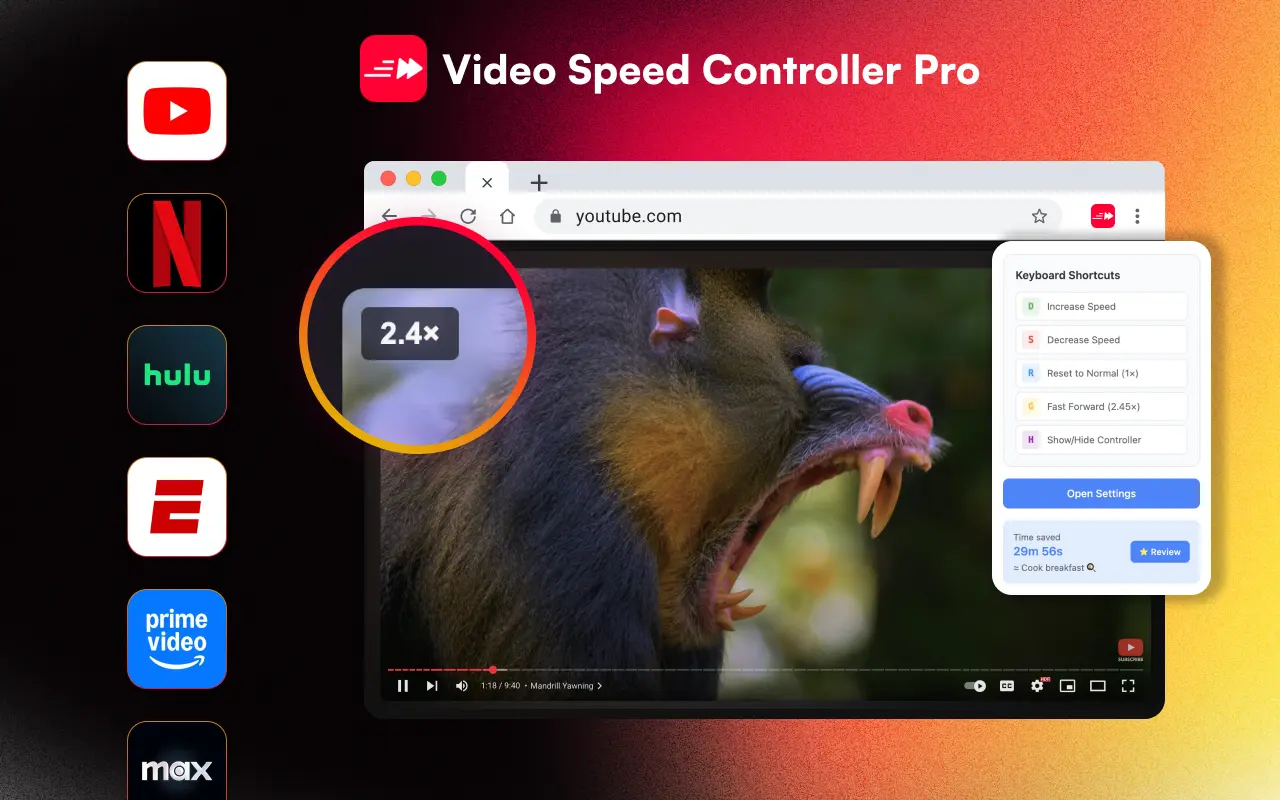 | 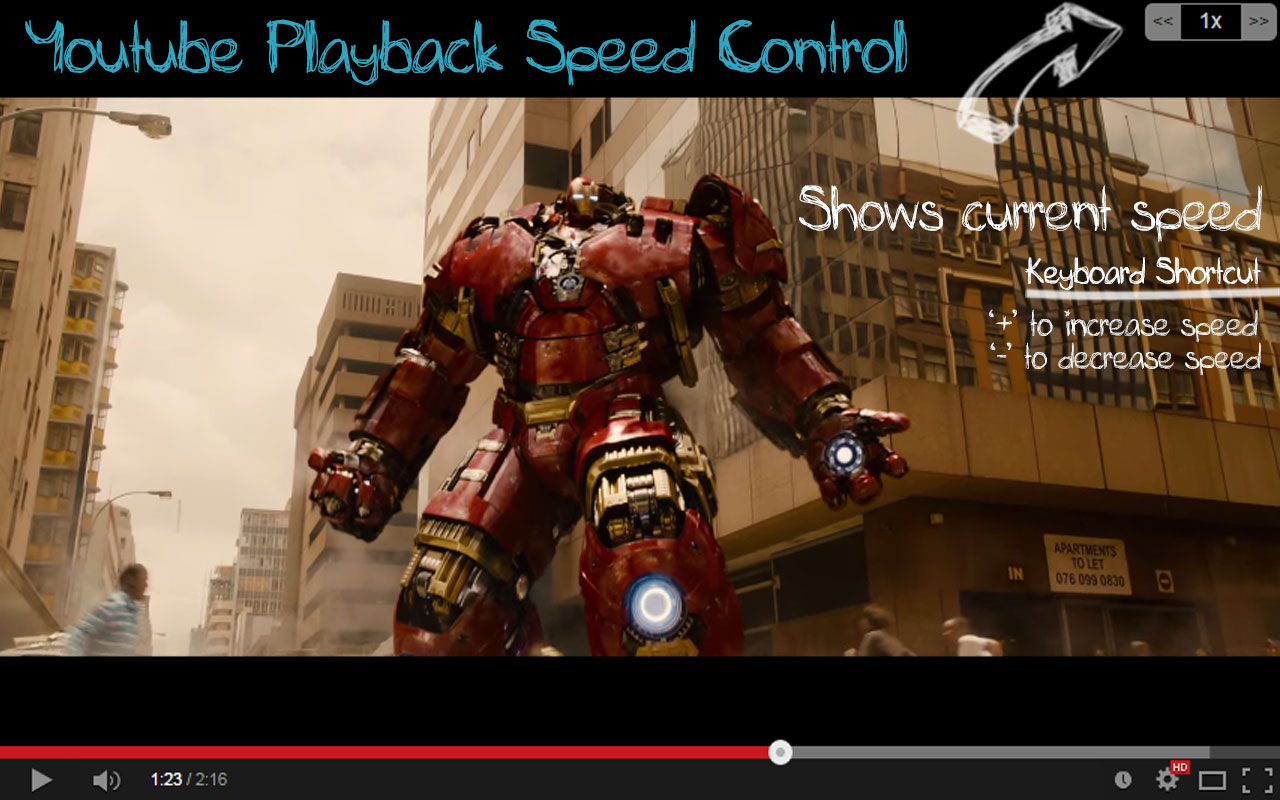 | |
|---|---|---|
| UI Design | Modern overlay, 4 themes | Basic overlay, top-right corner |
| Original scope | All HTML5 video sites | YouTube-only (HTML5 added later) |
| Speed range | 0.0625x – 20x | Up to ~4x (audio stops above) |
| Per-domain speed memory | ||
| Shadow DOM isolation | Plain CSS injection | |
| Keyboard shortcuts | 10+ fully customizable | 2 configurable (+/-) |
| Mouse scroll control | Shift+Scroll | |
| Overlay positioning | Top-left (configurable) | 6 positions |
| Speed increment | 0.1x default, configurable | 0.25x default, configurable |
| Languages | 24 with RTL | English only |
| Time saved tracking | 40+ milestones | In options page |
| Controller themes | 4 themes + opacity/scale | 1 (basic overlay) |
| LMS iframe support | ||
| Dependencies | Zero runtime deps | Bootstrap + jQuery (723 KiB) |
| Manifest version | V3 | V3 |
| Price | Free | Free |
Site Support
YouTube Playback Speed Control was built specifically for YouTube and later added generic HTML5 video support in v0.0.13 (with an option to disable it). Its YouTube handling is functional but doesn't account for SPA navigation or native controls overlap — and it bundles Bootstrap and jQuery in its content script, adding 723 KiB of overhead to every page.
VSC Pro was designed from the start for all HTML5 video sites, with site-specific configurations for YouTube (SPA navigation, retry logic), Netflix (DRM compatibility), Twitter/X (dynamic video detection), and more. It uses zero runtime dependencies and Shadow DOM isolation to ensure the overlay never conflicts with any website.
Keyboard Shortcuts
YouTube Playback Speed Control offers + and - keys (configurable) plus * to reset. It also supports Shift+MouseScroll for speed changes — a feature VSC Pro doesn't have.
VSC Pro has 10+ keyboard shortcuts: S/D for speed, R for reset, Z/X for rewind/advance, G for fast-forward mode, P for play/pause, H to toggle visibility, V to show/hide display, plus arrow keys and number keys 1-2-3 for instant presets in Pro mode. All shortcuts are fully customizable in the options page.
Speed Range
VSC Pro supports 0.0625x to 20x — the widest range of any speed controller extension. YouTube Playback Speed Control can go above 4x, but the developer notes that "sound doesn't work in speeds higher than 4," making high-speed playback impractical for most content.
Choose VSC Pro if you want:
- - Works on all video sites out of the box
- - Per-domain speed memory
- - 10+ customizable keyboard shortcuts
- - Shadow DOM isolation (no CSS conflicts)
- - 24 languages, lightweight (no jQuery)
- - 0.0625x to 20x speed range
Choose YouTube Playback Speed Control if you want:
- - Shift+MouseScroll speed control
- - 6 overlay position options
- - A YouTube-first experience
- - Large community (300K users, 3,900 ratings)
Verdict
YouTube Playback Speed Control has a large user base and works well for basic YouTube speed adjustments. However, it was designed for a single site and the broader HTML5 support was added as an afterthought. Its reliance on Bootstrap and jQuery adds significant overhead.
VSC Pro is the more modern, feature-complete option — built for every video site from day one, with per-domain memory, Shadow DOM isolation, 4 themes, and zero runtime dependencies. If you watch videos across multiple platforms, VSC Pro is the clear upgrade.