

Video Speed Controller for Microsoft Edge
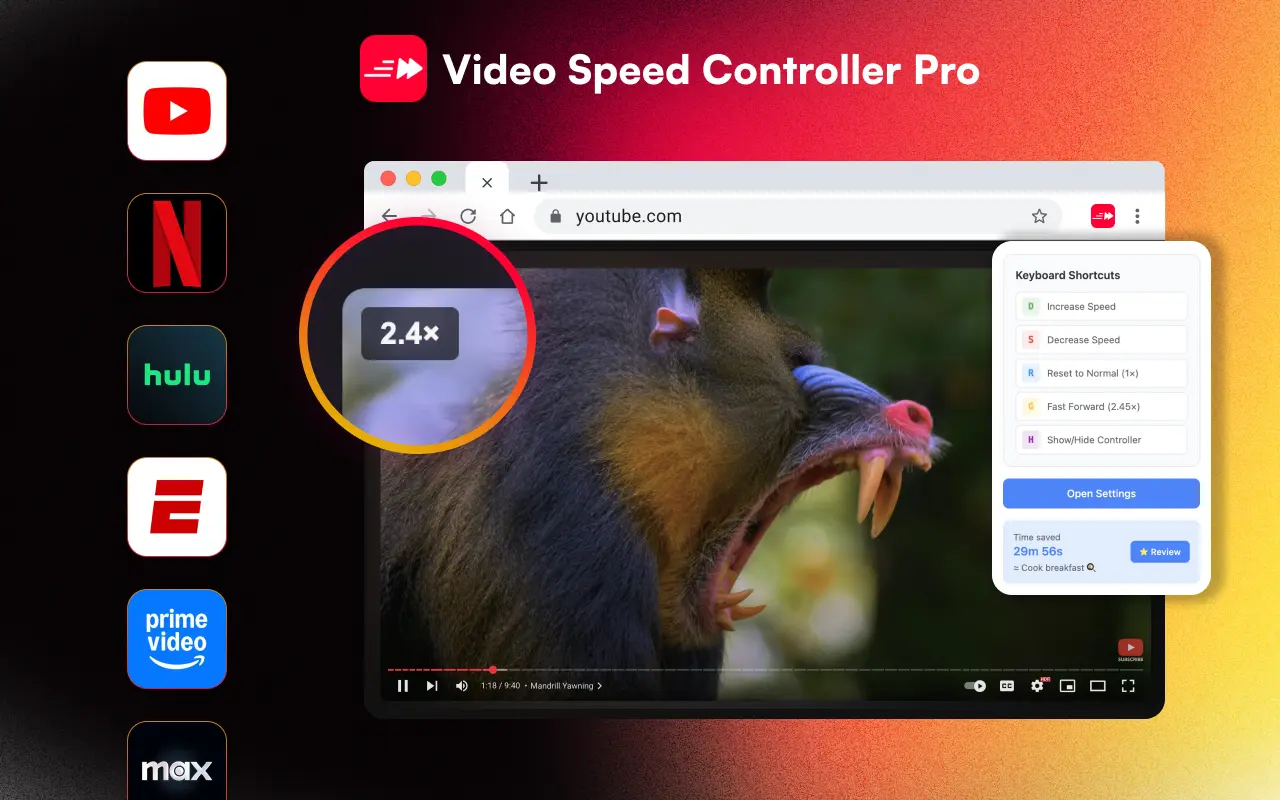
Microsoft Edge is used by hundreds of millions of people worldwide. Video Speed Controller Pro has a dedicated listing on the Microsoft Edge Add-ons store, so Edge users get a native installation experience. Control video playback speed from 0.0625x to 20x on YouTube, Netflix, and any HTML5 video site with customizable keyboard shortcuts and per-domain speed memory. The extension uses Shadow DOM isolation, so it never conflicts with Edge's built-in features or any website's layout.
How to Install on Edge
Open the Microsoft Edge Add-ons store in your Edge browser
Search for "Video Speed Controller Pro" or click the install button below
Click "Get" to install — Edge will prompt you to confirm the extension
Done! The speed controller overlay appears on any video you play
All Features Work on Edge
- Speed range from 0.0625x to 20x — the widest of any speed controller extension
- Per-domain speed memory: set YouTube to 2x, Netflix to 1.5x — each site remembers automatically
- Fully customizable keyboard shortcuts with Pro mode: arrow keys for fine control, number keys for instant presets
- 4 controller themes (default, dark, light, minimal) with adjustable opacity and scale
- Shadow DOM isolation — never breaks website layouts or CSS, unlike other extensions
- Time saved tracker with 40+ fun milestone achievements to gamify your productivity
- Site-specific optimization for YouTube, Netflix, Twitter/X, Twitch, Udemy, Coursera, and more
- LMS iframe compatibility — works inside Canvas, Blackboard, and other learning management systems
- Play/pause control, fast-forward mode, and configurable rewind/advance (10s default)
- Works on Chrome, Edge, Brave, and all Chromium browsers — 24 languages with RTL support
Why Edge Users Love It
Native Edge Add-ons Listing
Install directly from the official Microsoft Edge Add-ons store — no need to enable Chrome Web Store compatibility. The extension is reviewed and approved by Microsoft.
Same Features, Same Updates
The Edge version is identical to Chrome. Both receive the same updates simultaneously — per-domain speed memory, 4 themes, 24 languages, and time tracking all work exactly the same.
Cross-Device Sync
Settings sync across your Edge installations via chrome.storage.sync. Set up your keyboard shortcuts and speed preferences once, and they follow you to every device.
Installs from the Microsoft Edge Add-ons store