
Video Speed Controller Pro vs. Video Speed Controller — Which Is Better?
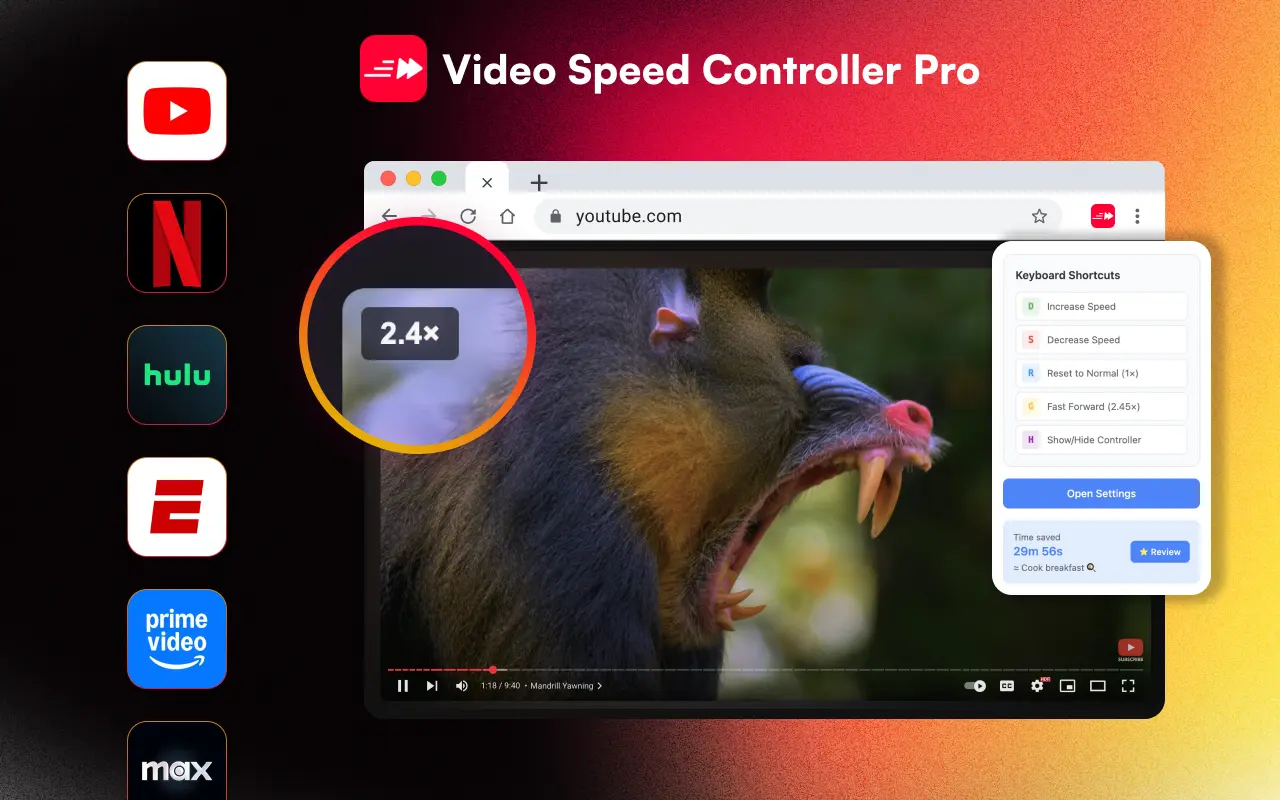
Video Speed Controller Pro offers a modern UI, per-domain speed memory, and Shadow DOM isolation, while the original Video Speed Controller is lightweight and minimal. Here's a detailed comparison to help you choose the right extension.
Last updated: March 2026
Quick Comparison
 |  | |
|---|---|---|
| UI Design | Modern, Mac-inspired overlay | Basic white box |
| Per-domain speed memory | ||
| Keyboard shortcuts | Fully customizable + Pro mode | Basic (S/D/R/Z) |
| Shadow DOM isolation | ||
| Languages | 24 with RTL support | English only |
| Manifest version | V3 (modern) | Migrated from V2 |
| Time saved tracking | 40+ milestones | |
| Controller themes | 4 themes | 1 |
| LMS iframe support | ||
| Speed range | 0.0625x – 20x | 0.07x – 16x |
| Price | Free | Free |
User Interface
Video Speed Controller Pro features a Mac-inspired overlay with 4 selectable themes (Default blue, Dark, Light, and Minimal), adjustable opacity, and configurable scale. The overlay uses Shadow DOM to ensure it never interferes with a website's CSS.
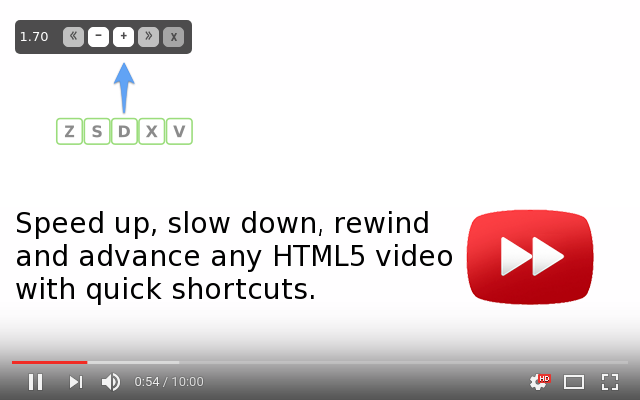
The original Video Speed Controller uses a simple white box overlay that appears on videos. While functional, it can sometimes conflict with website styles since it doesn't use Shadow DOM isolation.
Features
VSC Pro's standout feature is per-domain speed memory — set YouTube to 2x, Netflix to 1.5x, and each site remembers automatically. It also includes a time saved tracker with 40+ achievement milestones, Pro mode keyboard shortcuts (arrow keys for fine control, number keys for presets), and LMS iframe compatibility for learning management systems like Canvas and Blackboard.
The original extension focuses on core speed control with S/D/R/Z shortcuts. It's simpler and lighter but lacks domain-specific memory, time tracking, and the expanded shortcut system.
Browser Support
Both extensions work on Chrome and other Chromium browsers. VSC Pro has a dedicated listing on the Microsoft Edge Add-ons store and is tested on Brave. The original is primarily available through the Chrome Web Store.
Privacy
Both extensions use minimal permissions. VSC Pro requests only storage and content script access, with no personal data collection. The original Video Speed Controller has a similar privacy profile. Both are safe to use.
Choose VSC Pro if you want:
- - A polished, modern overlay UI with 4 themes
- - Per-domain speed memory (different speeds for different sites)
- - Time saved tracking with achievement milestones
- - LMS/iframe compatibility for educational platforms
- - 24-language support with RTL
- - Shadow DOM isolation (never breaks websites)
Choose Video Speed Controller if you want:
- - A minimal, no-frills speed controller
- - The lightest possible extension footprint
- - A well-established extension with a large user base
- - Simple S/D/R shortcuts without additional features
Verdict
Both are solid, free extensions. Video Speed Controller Pro is the better choice if you watch videos across multiple sites and want a refined experience — the per-domain speed memory alone saves significant daily friction. The modern Shadow DOM architecture also means fewer compatibility issues with websites.
The original Video Speed Controller remains a good option for users who prefer absolute simplicity and don't need domain-specific speeds or theme customization.